
Inside Mus’haf
Familiar pages.
Useful everyday tools.
Explore the current Android app: a fixed 13-line Indo-Pak Mushaf with listening, Quran repeat and memorisation tools alongside the page.
Android is coming soon. These are genuine current app captures; iOS is planned separately.
01 / Reading
The page you recognise.
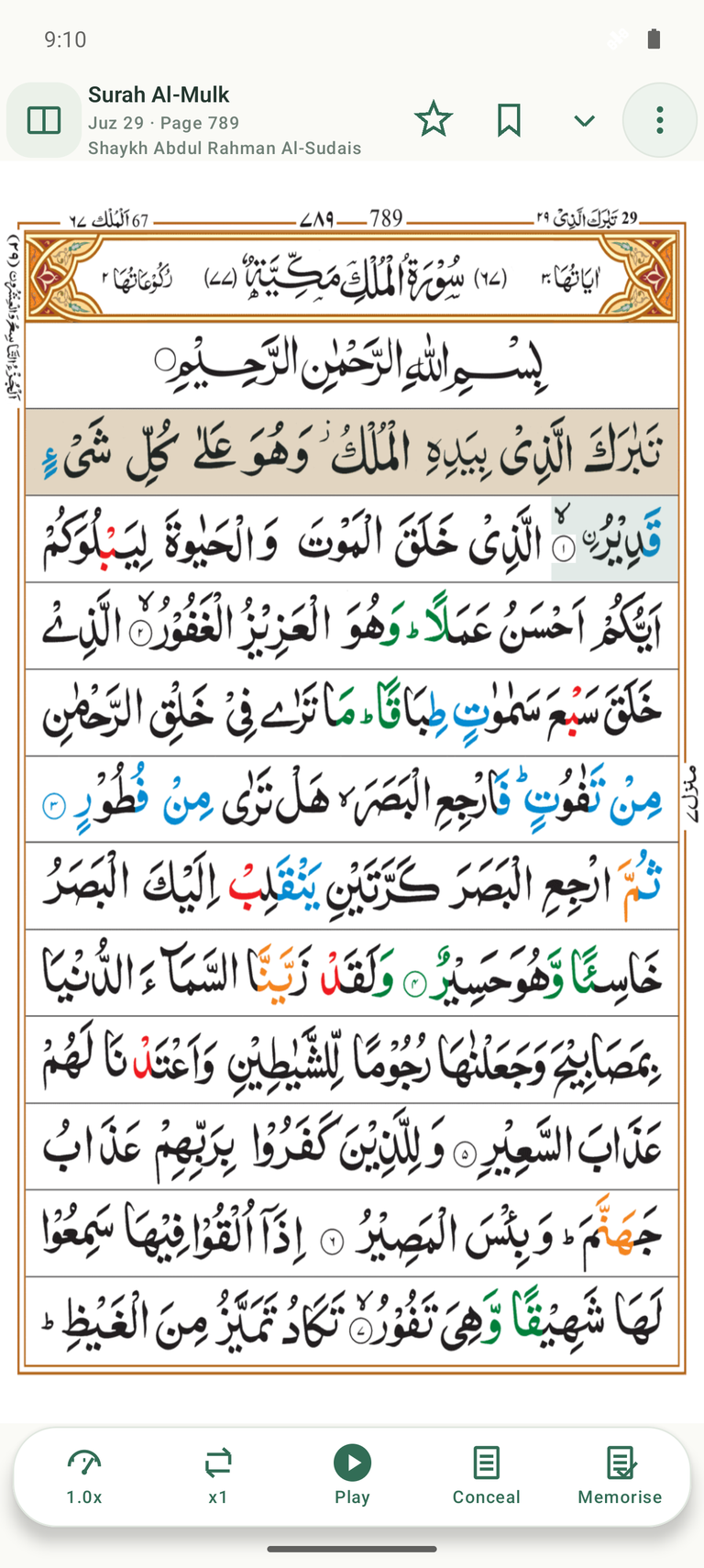
The fixed 13-line layout from Qamar Apps keeps ayahs in familiar positions. Coloured Tajweed and the Indo-Pak script remain part of the page.
- Navigate by Surah, Juz or page.
- Bookmark a place and return to your last-read position.
- Choose single-page or two-page reading on suitable screens.
02 / Listening
Hear it. Follow it.
Return to it.
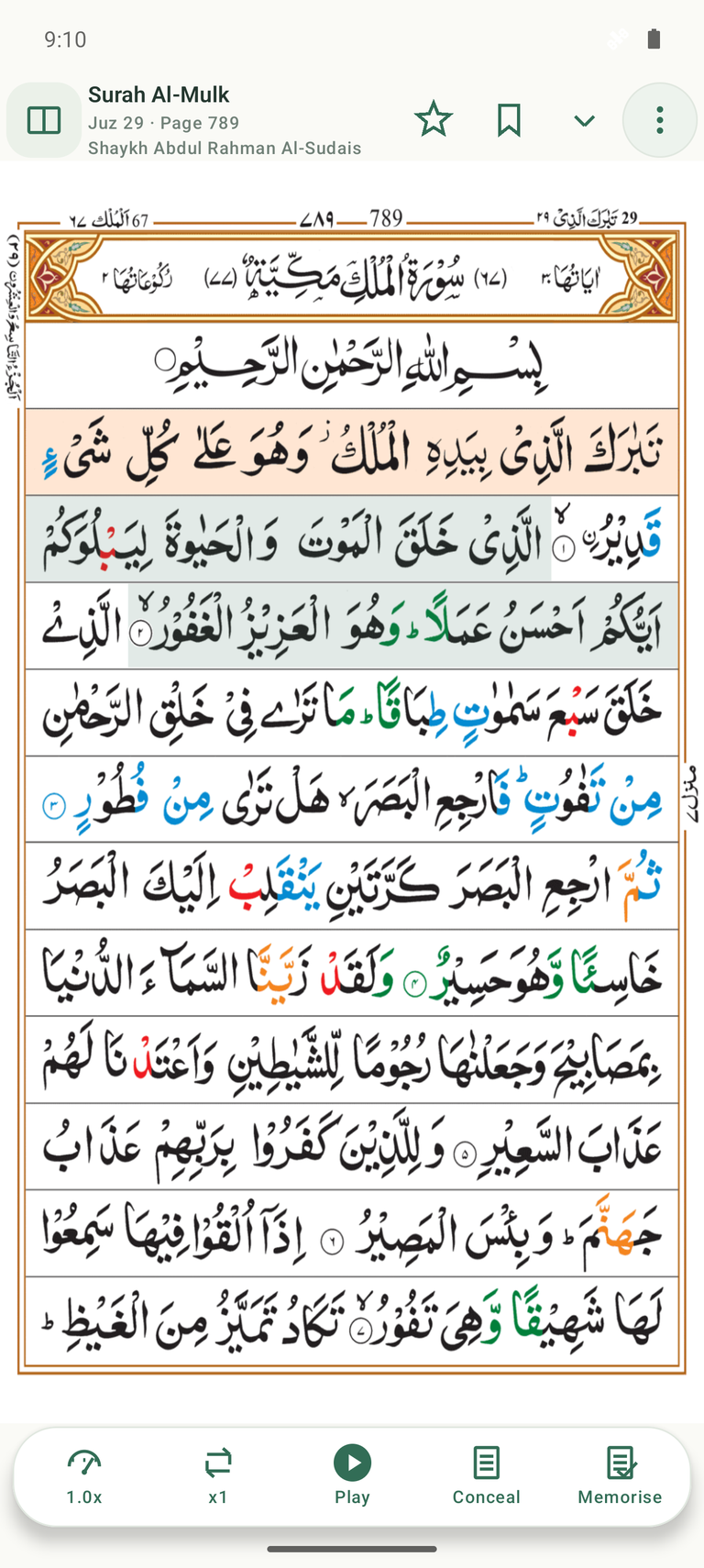
Ayah highlighting connects the recitation to its place on the page.
- Eight intended public reciters.
- Individual ayah and range repeat, finite or continuous.
- Adjustable playback speed.
- Background and lock-screen audio controls.
03 / Memorisation
Practise recall.
Check your progress.
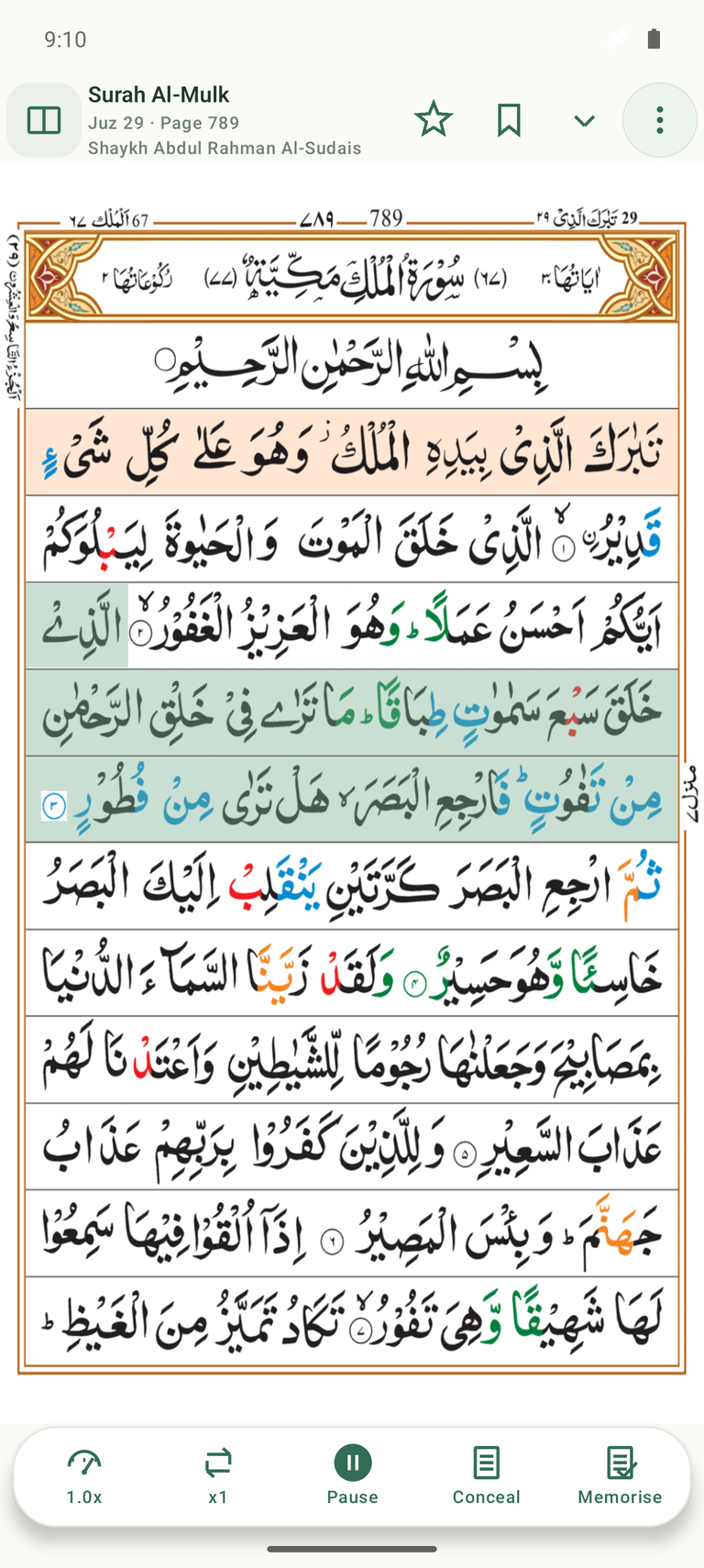
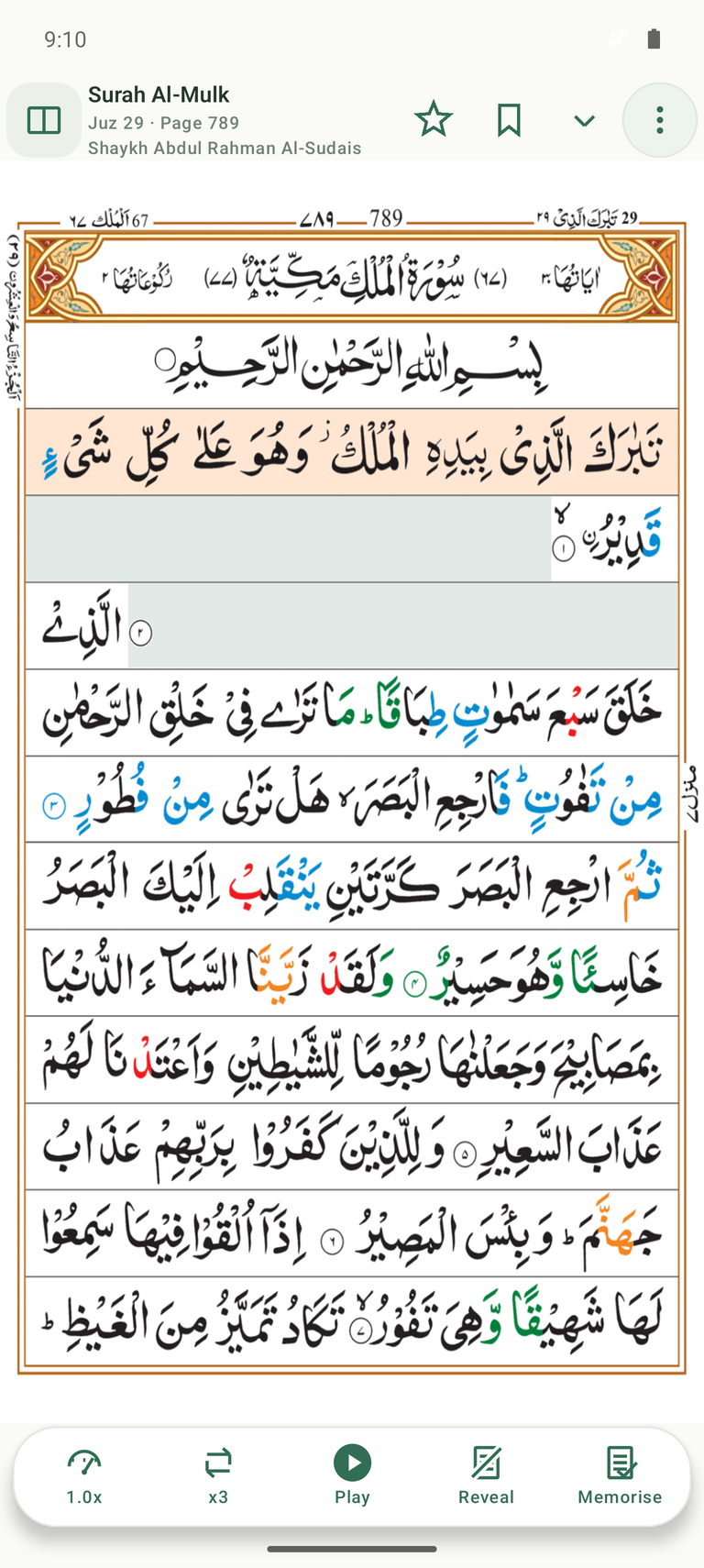
Use Memorise and repeat to work on an ayah or passage. Conceal the selected text, then reveal it when you want to check.
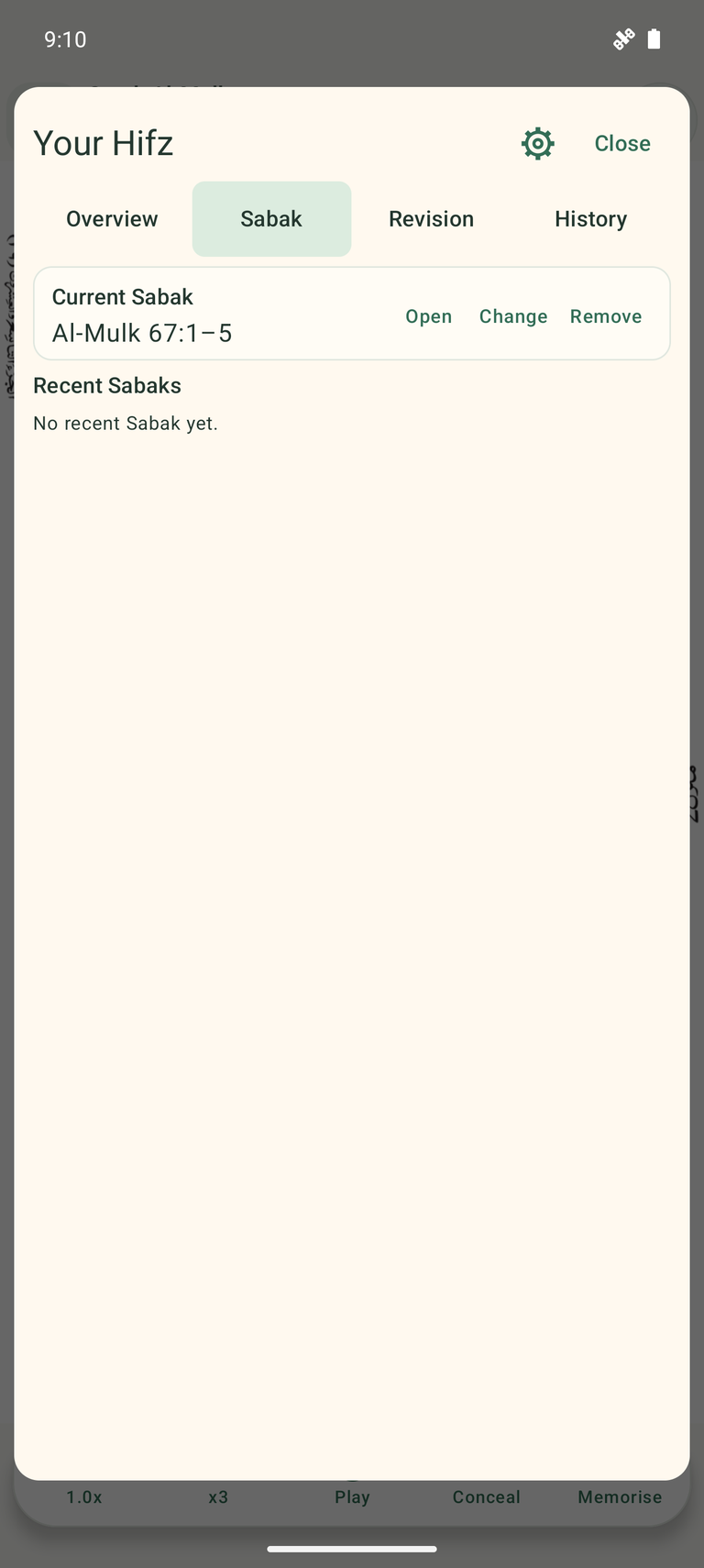
- Plan new learning with Sabak.
- Record learnt, needs-work and not-learnt statuses.
- Organise revision and review your activity history.
- Make an optional practice recording and listen back.
Progress reflects your own entries. These tools do not automatically grade your recitation.
04 / Organisation
Keep passages close.
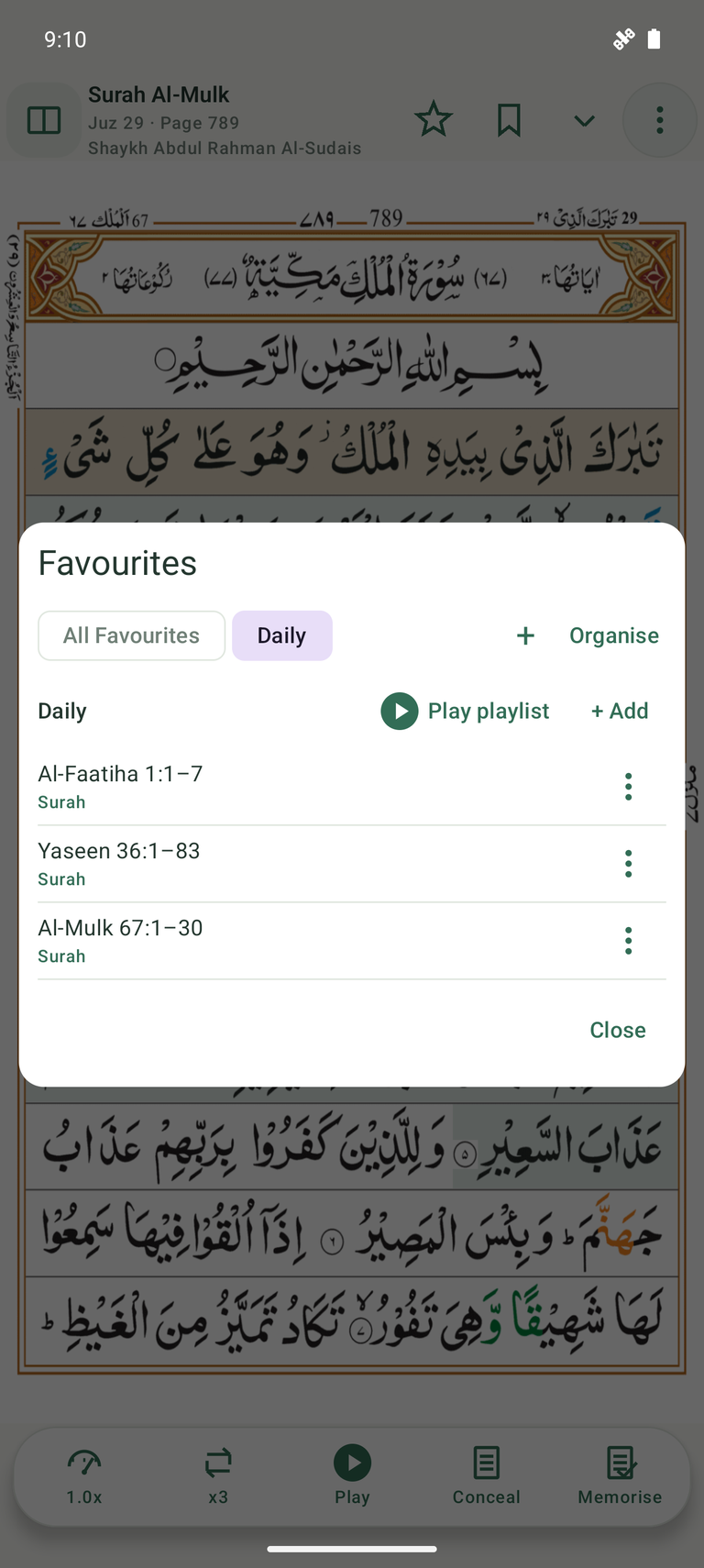
Use bookmarks to return to a place, and favourites to save a Surah, ayah or range. Organise saved passages into groups.
- Arrange a playlist in Qur’an order or your own order.
- Listen to one saved passage or a group in sequence.
- Keep basic bookmarks and favourites after the trial.
Audio and playlist playback are included in the full feature set.
05 / Offline & backup
Prepare once.
Return when you need.
Read offline once the Mushaf is installed. Download a Surah or a supported reciter catalogue while connected, then manage the stored audio separately from your personal reading data.
Your backup. Your Drive.
Optional backup stores bookmarks, favourites/groups, Hifz progress, planner/history, notes, settings and last-read state in your own Google Drive. Practice recordings stay local unless you separately enable recording backup, which is off by default; downloaded recitation audio is excluded.
Backup & device-change help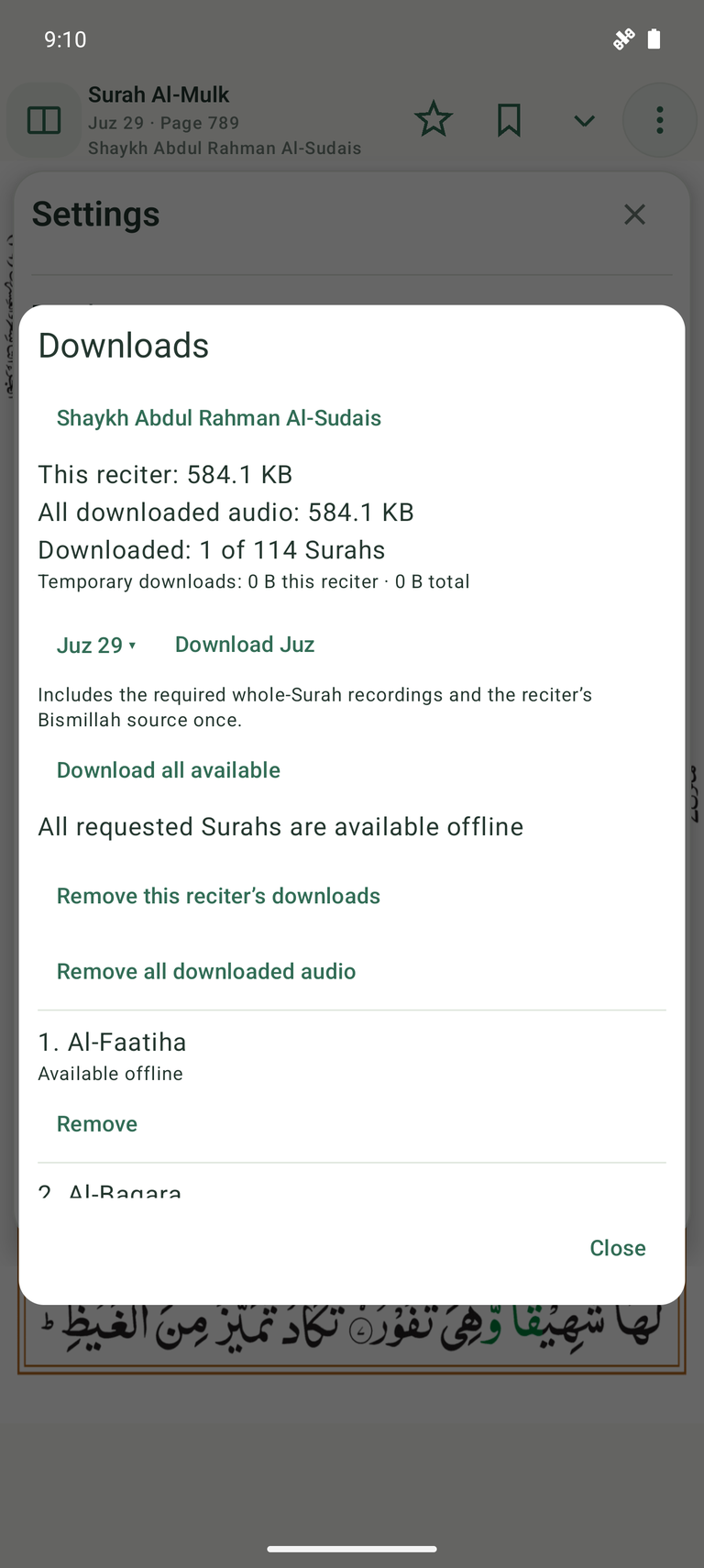
Room for the page
Phone, tablet or unfolded.
Keep the same familiar Mushaf on a larger screen. Choose a single page or a two-page spread where the display allows.
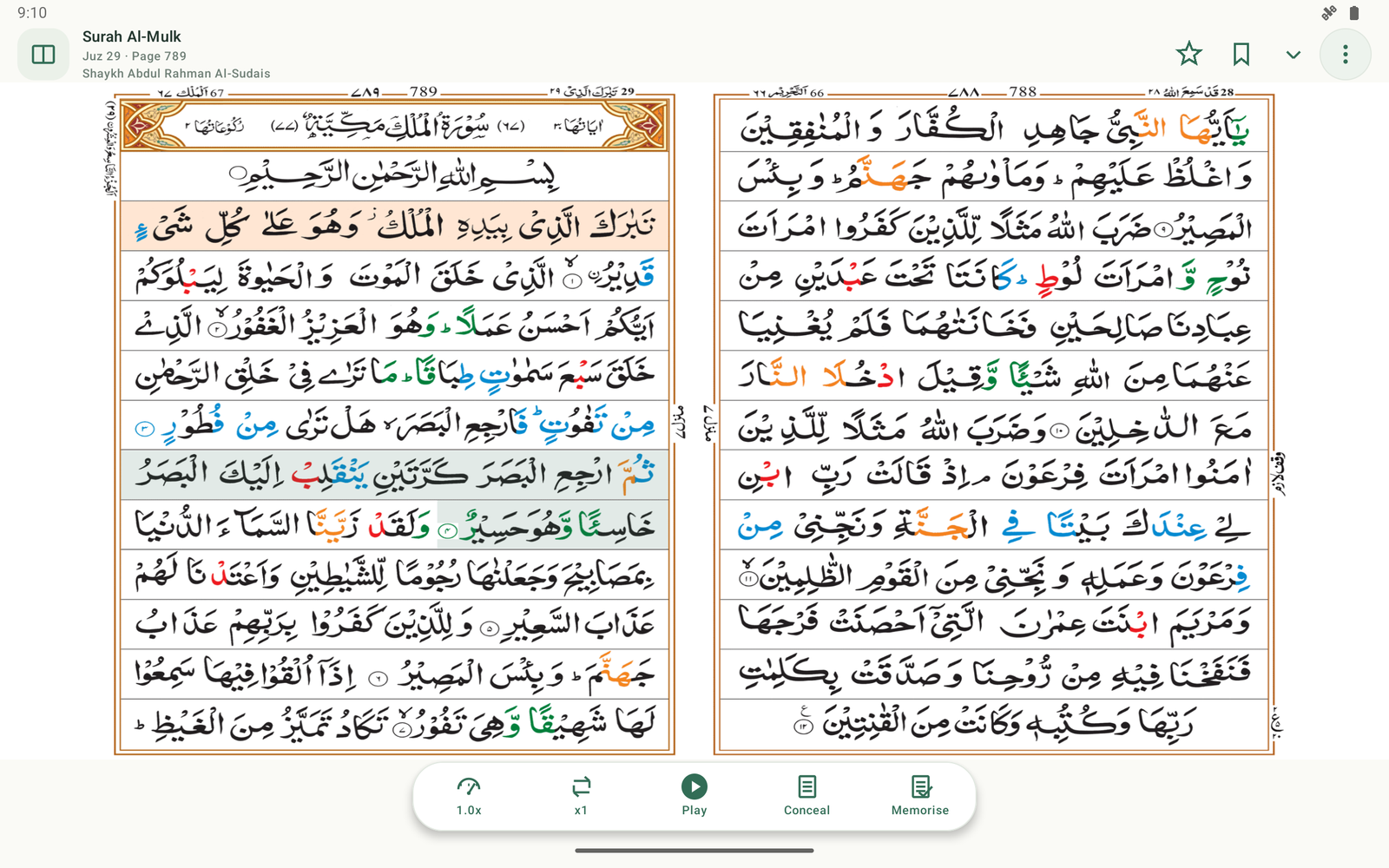
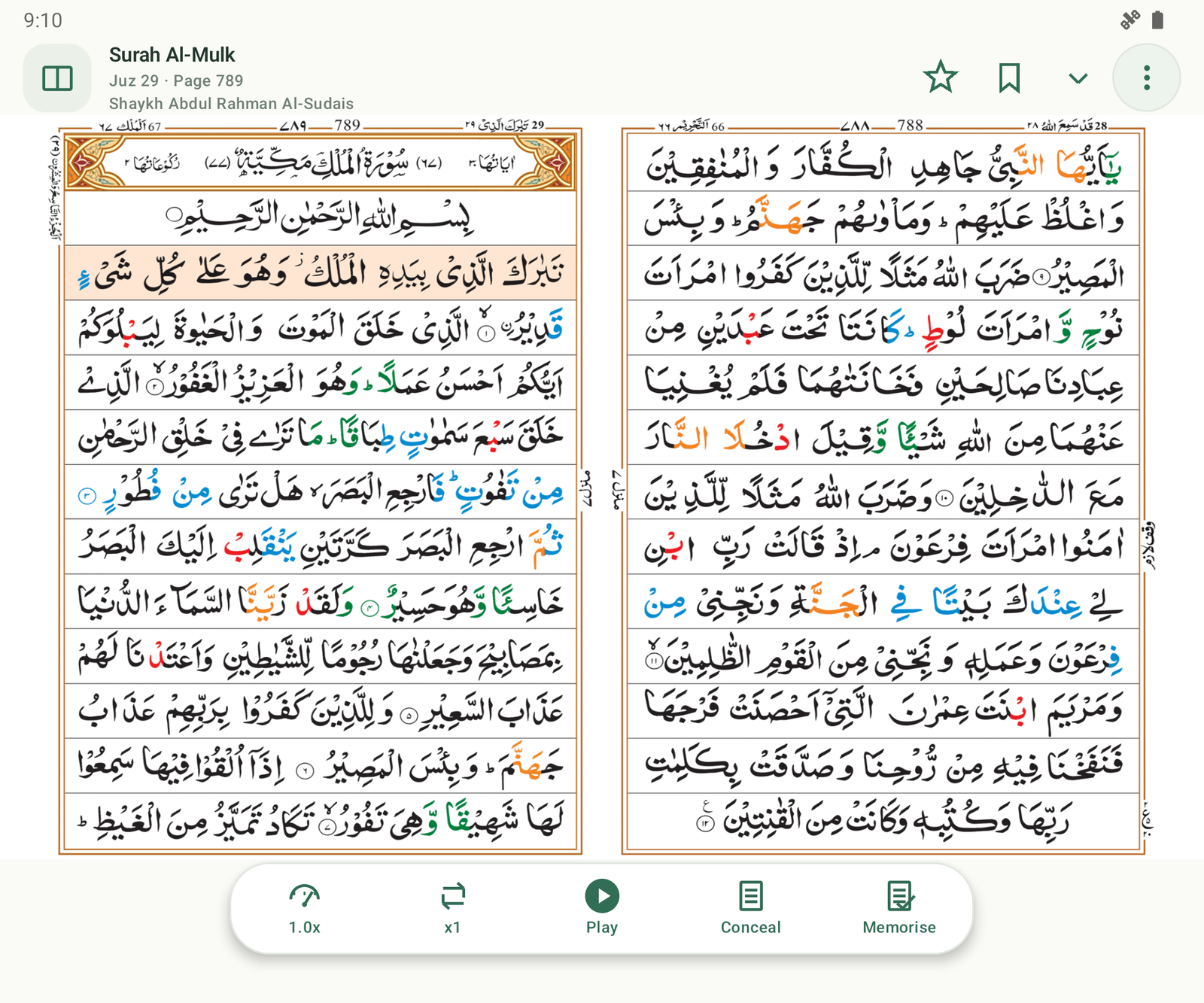
Current Android captures on representative emulator profiles. Layouts adapt to available screen space; device-specific support may vary.
Help shape Mus’haf
We’re still improving.
If you have a suggestion, spot an issue, or think there is something we could improve, we would be pleased to hear from you.
For suggestions, support and privacy enquiries.